WELCOME TO YOUR COMPASS SESSION
I'm so glad you're here.
This is your space to pause, take stock,
and turn back toward yourself.
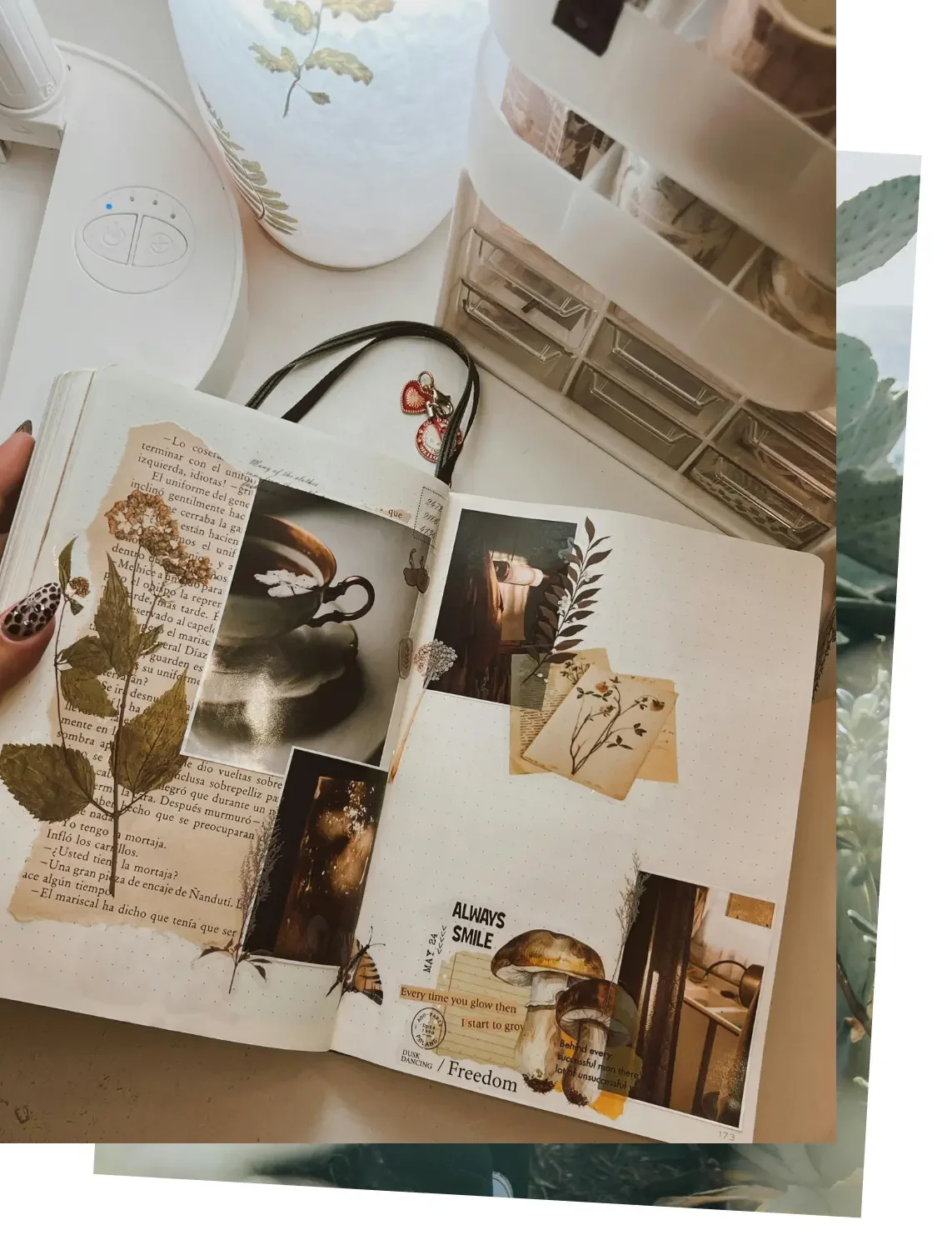
Over the next few weeks, you'll receive:
One 90-minute 1:1 session to map out where you are and where you want to go
Six weeks of Voxer support so you're not doing this alone between sessions
One 30-minute follow-up call to check in, course-correct, and celebrate what's shifting
This page has everything you need to get ready: how to set up Voxer, how to make your collage, and how to share it with me. Take your time with it.
FIRST: WHAT THE COLLAGE IS ACTUALLY ABOUT
Before we get into the how, here's the heart of it.
Your collage is not about being artistic, having a big vision, or knowing exactly what you want.
It's simply a way to:
Notice what you're drawn to
Let your body and gut respond to images
Gather clues about how you want your life to feel
This isn't a vision board or a manifestation exercise. It's closer to a window into what you already know but haven't been able to say out loud yet.
There are no wrong images. No way to mess this up. If something feels good, intriguing, soothing, or alive, it belongs.
PROMPTS TO GET YOU STARTED
When you're choosing images or words, you can let questions like these sit in the back of your mind:
How do I want my days to feel?
What do I want more of in my life, even if I don't know how to get it yet?
Where do I feel most like myself?
If my life felt a little more "me" again, what might it include?
What kinds of spaces, colours, textures, people, and activities light me up?
You don't have to answer these directly. Just let them run quietly in the background while you choose.
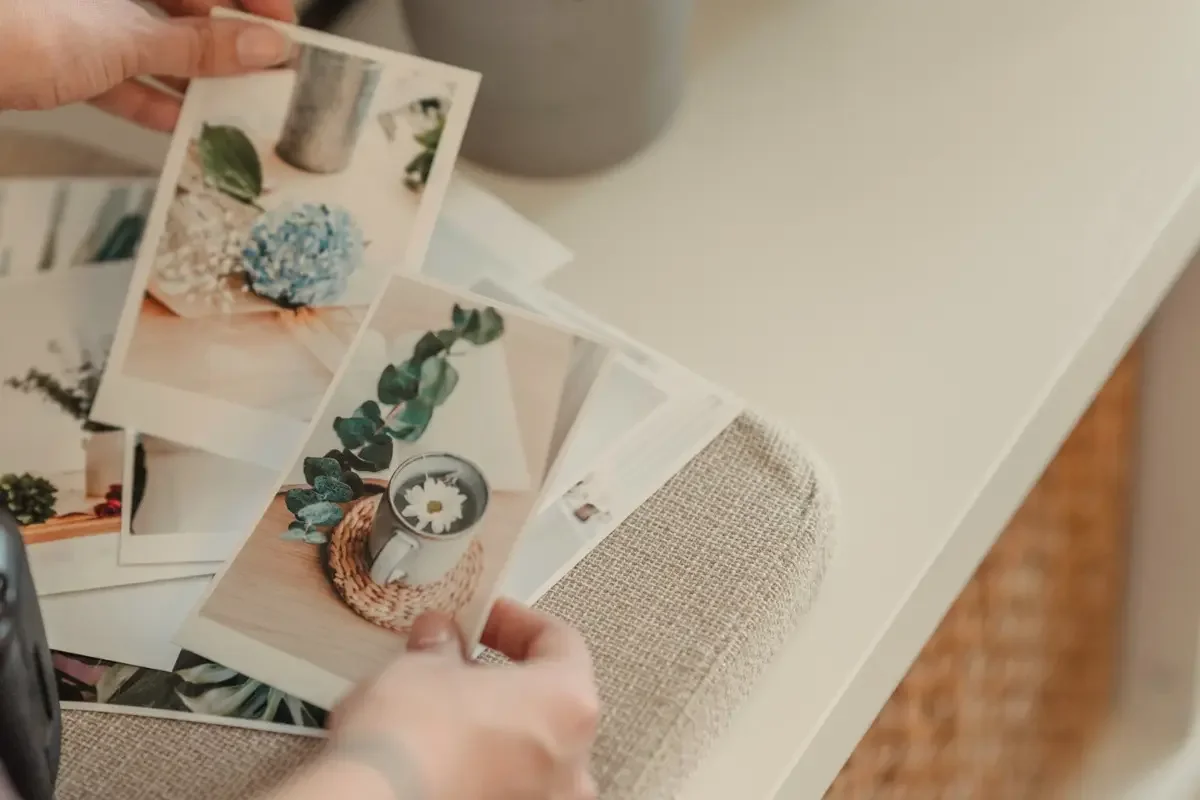
CREATING YOUR COLLAGE
You have a few options. Choose whichever feels easiest.
Give yourself at least 20 to 30 minutes, more if you're enjoying it. You can do it all in one sitting or add to it over a few days.
If you've already made a collage as part of Setting the Stage, you're ahead of the game. Bring it, add to it, or start fresh, any of those works.
OPTION 1 — CANVA (RECOMMENDED)
Canva is free and straightforward.
Go to canva.com and create a free account
Click "Create a design" and choose "Whiteboard"
Use the Elements and Photos tabs to search for images and words that match how you want to feel
Drag them onto the board and arrange however you like . There's no wrong layout
When you're done, click "Share" then "Download" and save it as a JPG or PNG
Email the image to me at suzanne@suzannehepburn.com or send it as an attachment in Voxer
OPTION 2 — PINTEREST
Create a free Pinterest account if you don't already have one: go to pinterest.com or download the app and sign up with your email, Google, or Apple ID
Create a private board: go to your profile, click "+" then "Board," name it something like "Compass Session: My Collage," and toggle "Keep this board secret"
Start pinning anything that feels good, interesting, comforting, or alive — photos, quotes, colours, interiors, landscapes, art, clothes, textures, words. If it feels like a yes, even a small one, pin it.
When you're ready, open your board, click the three dots, select "Copy link," and paste it into Voxer or email it to me at suzanne@suzannehepburn.com
OPTION 3 — ON YOUR PHONE
Use any free collage app (search "photo collage" in the App Store or Google Play), or simply save images to an album in your Photos that represent how you want life to feel. Then either export a collage image or send the photos to me via Voxer or at suzanne@suzannehepburn.com.
OPTION 4 — OLD-SCHOOL PAPER COLLAGE
If screens make you tired or you love working with your hands:
Grab magazines, newspapers, old books, junk mail, whatever you have
Rip or cut out anything that catches your eye
Glue them onto a page or piece of card
Take clear photos and email them to me or send via Voxer
Bring whatever you've managed to make. We'll use it as a starting point in our session.
SETTING UP VOXER
We'll use Voxer so you have support between sessions without needing to text or be available in real time.
Search for "Voxer Walkie Talkie Messenger" in the App Store or Google Play and download the free app
Create a free account with your email or phone number
I'll send you my Voxer details once your session is booked, we'll connect there.
You can leave messages whenever you like. I reply during working hours.
FINAL NOTE
If any part of this is confusing or you get stuck, don't stress. Bring whatever you've managed to create, even a handful of images or a half-finished board, and we'll work with it together.
This whole process is about listening for the you that's still here under the noise, not about doing it right.